Budgeting Apps vs Spreadsheets: Which Wins in 2026?
Pros, cons, and costs of the top budgeting apps compared with a simple spreadsheet — and when each one is actually the better tool.
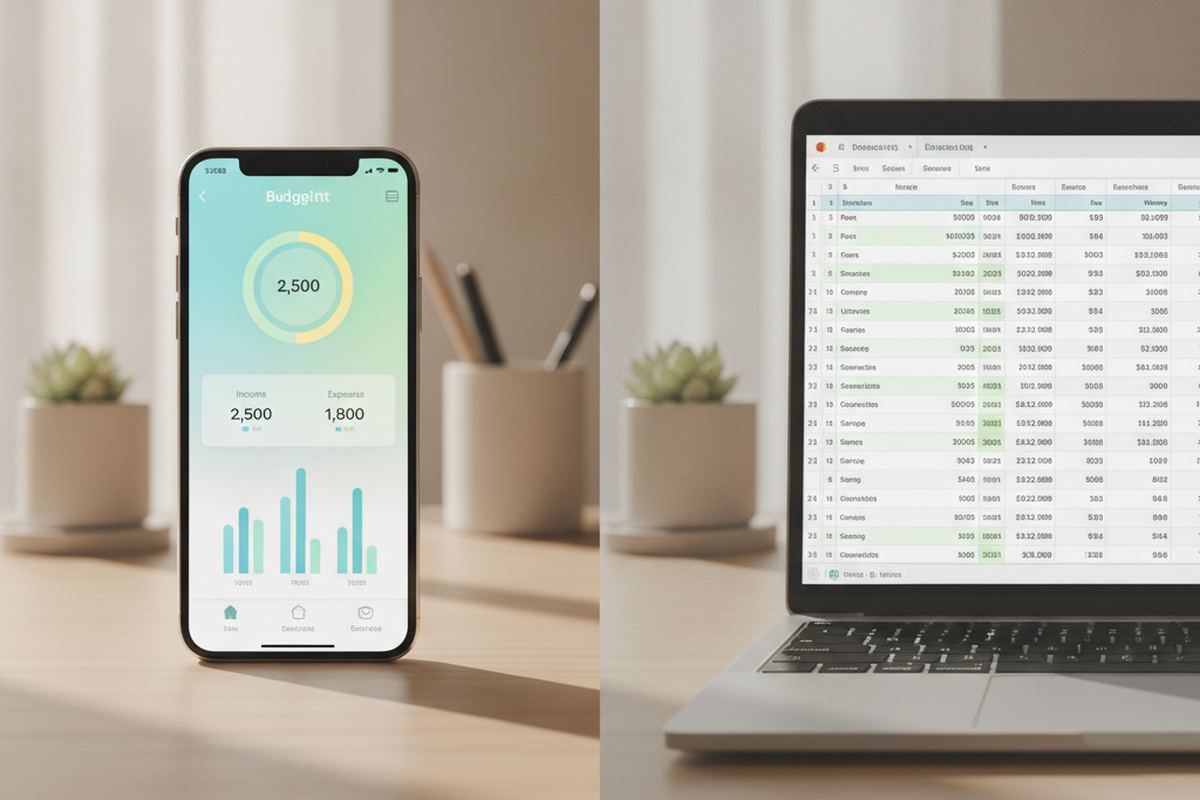
Choosing the right tool to manage your money can significantly impact your financial well-being. For many W-2 workers, the decision often comes down to the convenience of budgeting apps versus the flexibility of spreadsheets. Both approaches offer unique advantages, but their suitability depends heavily on individual financial habits and goals. Understanding the distinct features, costs, and learning curves associated with each will help you select the most effective method for tracking your income and expenses in 2026.
Budgeting Apps: Convenience at Your Fingertips
Budgeting apps, such as Mint, YNAB (You Need A Budget), or Personal Capital, have gained popularity for their automation features. Many apps can link directly to your bank accounts, credit cards, and investment portfolios, automatically categorizing transactions. This integration saves considerable time, reducing the manual data entry often associated with traditional budgeting methods. Notifications for upcoming bills or unusual spending patterns can also help users stay on track and prevent overdrafts.
While highly convenient, budgeting apps often come with a subscription fee. For example, YNAB typically costs around $100 per year. Free versions of some apps might offer limited features or display advertisements. Users should also consider the privacy implications of linking financial accounts to third-party services. While reputable apps employ robust security measures, sharing sensitive financial data requires a level of trust and understanding of their data handling policies.
- Automated transaction categorization
- Real-time spending updates
- Bill reminders and alerts
- Visual dashboards and reports
- Accessibility across multiple devices
Spreadsheets: Customization and Control
Spreadsheets, whether using Microsoft Excel, Google Sheets, or Apple Numbers, offer unparalleled flexibility and control over your financial data. Users can design their budgeting system from scratch, tailoring categories, formulas, and reporting to their precise needs. This level of customization is particularly appealing to those who prefer a hands-on approach and want to understand every detail of their financial picture without relying on pre-set app structures. There are many free templates available online for those who prefer a starting point.
The primary advantage of spreadsheets is their cost-effectiveness; free options like Google Sheets are readily available. The initial setup and ongoing data entry can be more time-consuming compared to automated apps. Users must manually input transactions, create formulas for calculations, and design their own visual representations of data. However, for those who enjoy the process of data management and want to deeply understand their spending habits, this manual effort can be a valuable learning experience.
- Zero to low cost (e.g., Google Sheets)
- Complete customization of categories and reports
- Enhanced understanding of financial data through manual entry
- No reliance on third-party data access
- Suitable for complex financial scenarios
Cost Considerations for 2026
When evaluating costs, it's essential to look beyond the sticker price. Premium budgeting apps, while offering advanced features, can accumulate to a significant annual expense. For instance, a subscription-based app costing $8-$12 per month translates to $96-$144 annually. Over several years, this can amount to hundreds of dollars. This cost should be weighed against the time savings and advanced analytics provided by the app.
Spreadsheets, on the other hand, typically incur no direct monetary cost if you use free software like Google Sheets or already own Microsoft Office. The cost here is primarily in your time investment for setup, data entry, and maintenance. For someone with a tight budget, the initial time commitment for a spreadsheet might be a more financially prudent choice than a recurring app subscription. Consider your hourly wage and how much time you are willing to spend to save money on a subscription.
Enter your take-home pay and see your 50/30/20 plan in under a minute — free, no signup.
Open the Paycheck Budget CalculatorLearning Curve and Time Commitment
Budgeting apps generally boast a lower learning curve due to their intuitive interfaces and automated features. Most users can set up an account, link their banks, and begin tracking expenses within minutes or hours. The apps are designed to be user-friendly, with pre-defined categories and reporting tools that require minimal financial literacy to navigate effectively. This ease of use makes them attractive for beginners or those with limited time for financial management.
Spreadsheets, conversely, may demand a steeper learning curve, particularly for individuals unfamiliar with basic spreadsheet functions like formulas, cell formatting, and data sorting. While many free templates exist, customizing them or building a system from scratch requires a willingness to learn and experiment. The initial setup can take several hours, and ongoing maintenance, including manual transaction entry, requires a consistent time commitment each week or month.
Data Security and Privacy
When using budgeting apps that link to your financial accounts, data security is a significant concern. Reputable apps employ bank-level encryption, multi-factor authentication, and adhere to strict privacy policies. However, no system is entirely impervious to breaches, and users should carefully review the app's security protocols and how their data is used and stored. Understanding their data sharing practices with third parties is also crucial.
With spreadsheets, especially those managed offline or in a personal cloud storage account, you retain full control over your financial data. There's no third-party access to your bank accounts, significantly reducing the risk of a data breach originating from the budgeting tool itself. The primary security responsibility falls on the user to secure their device and cloud storage. This complete control over data can provide peace of mind for those with high privacy concerns.
When Each Tool Excels
Budgeting apps are generally superior for individuals who prioritize convenience, automation, and visual reporting, or those who are new to budgeting and need a guided approach. They are ideal for busy professionals who want a quick overview of their finances without extensive manual input. If you appreciate real-time updates and reminders, and don't mind a subscription fee, an app could be your best fit. They excel at providing immediate insights into spending habits with minimal effort.
Spreadsheets are the stronger choice for users who value ultimate customization, detailed control, and a zero-cost solution. They are perfect for individuals who enjoy a hands-on approach, are comfortable with data entry, and want to build a budgeting system tailored precisely to their unique financial situation. If you have complex financial goals, multiple income streams, or simply prefer to avoid linking accounts to third-party services, a spreadsheet offers the flexibility and security you need.
The bottom line
The choice between a budgeting app and a spreadsheet ultimately depends on your personal preferences, financial complexity, and willingness to invest time versus money. Both tools are highly effective when used consistently. Evaluate your priorities regarding automation, cost, control, and privacy before committing to a system that will help you achieve your financial goals in 2026.
Get more guidance like this in your inbox
Weekly emergency-fund tactics, milestone checklists, and the next article — delivered free.
Run your own number
Get a personalized emergency fund target based on your income, expenses, and job stability.
Open the calculator